Checklists built around your process
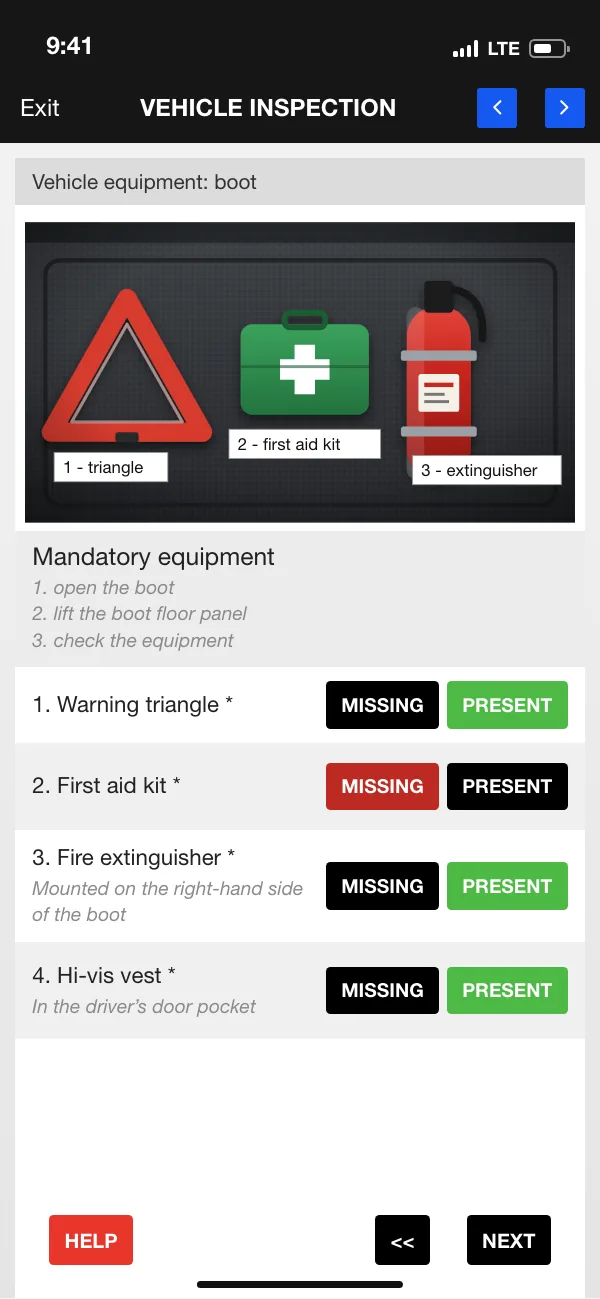
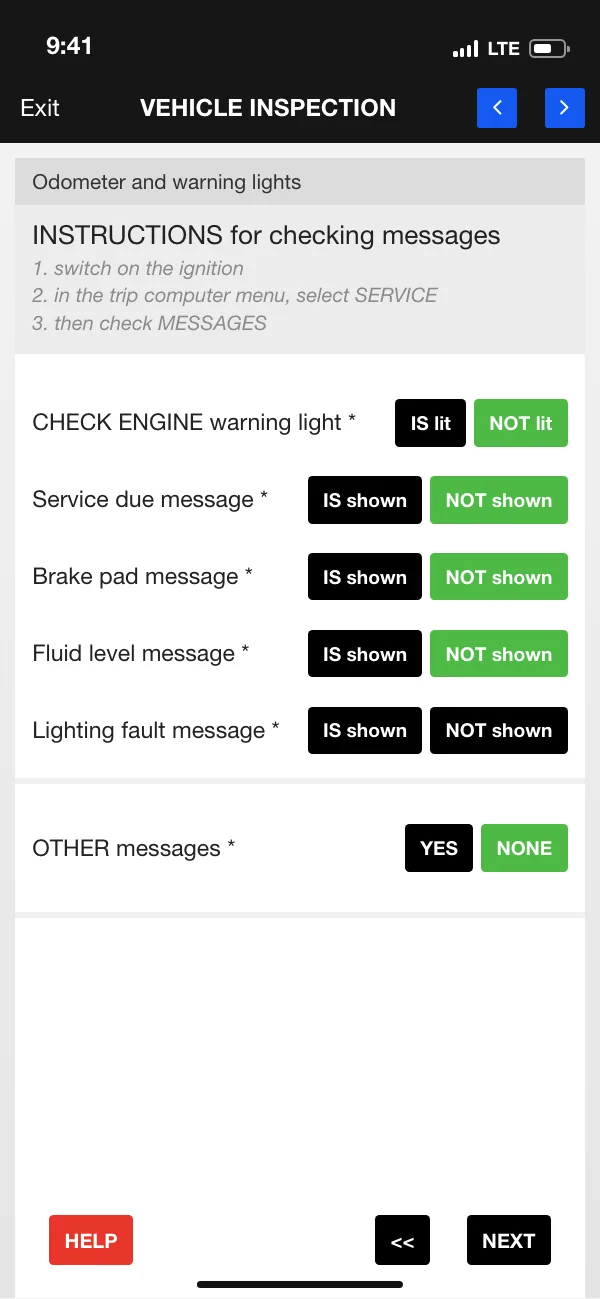
The report is split into sections, such as warning lights, equipment and interior. Each answer takes a single tap, for example PRESENT or MISSING, and mandatory items are marked with an asterisk.

Every car, machine or site inspection ends with a complete report, photos and videos included. A checklist takes whoever is on site through it item by item, and the finished report is sent to the portal and emailed as a PDF.
The data on the screens is sample data.
Companies use ETASK App for their own reports and inspections. Your field staff work through a list of checks in the app, tick the answers and record the condition with photos and videos.
The report is split into sections, such as warning lights, equipment and interior. Each answer takes a single tap, for example PRESENT or MISSING, and mandatory items are marked with an asterisk.
Photos and videos taken on site are attached to the report, so there is a record of the condition on the day of the inspection.
For each part of the vehicle: whether it is damaged, the type of damage chosen from a list, a comment and photos, with several photos per part if needed.
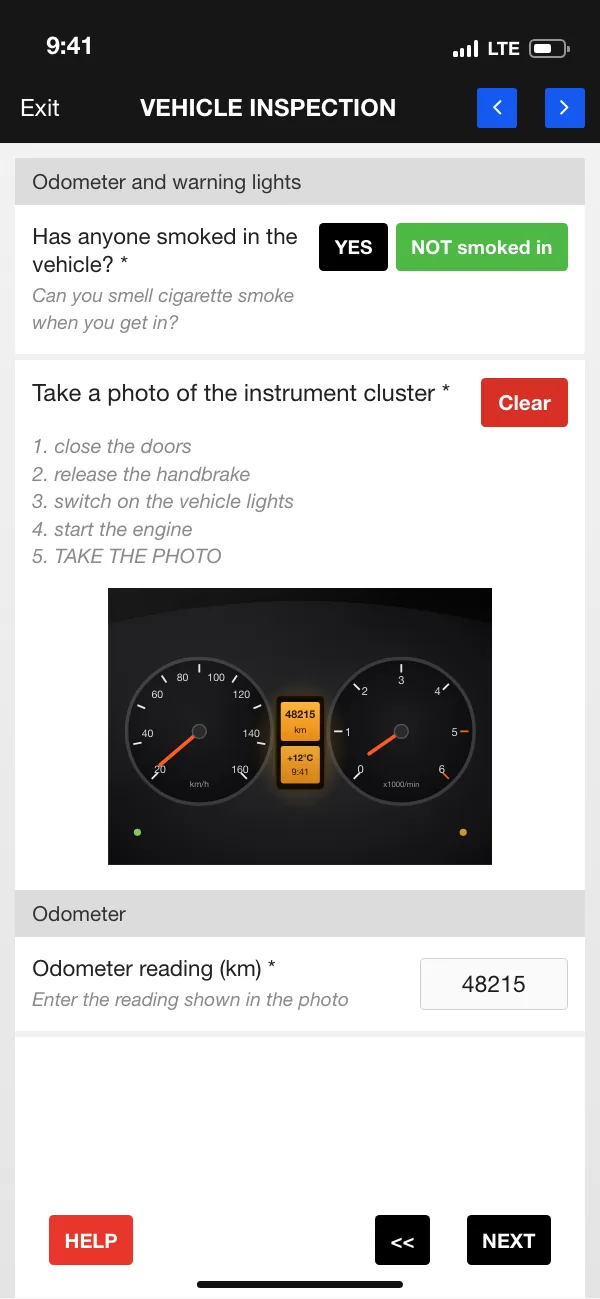
An item can come with step-by-step instructions and a reference photo, for example showing where the equipment is kept. The app also includes examples of the most common types of damage.
The report can capture the GPS location at the press of a button, for example when the vehicle is not at the inspection address.
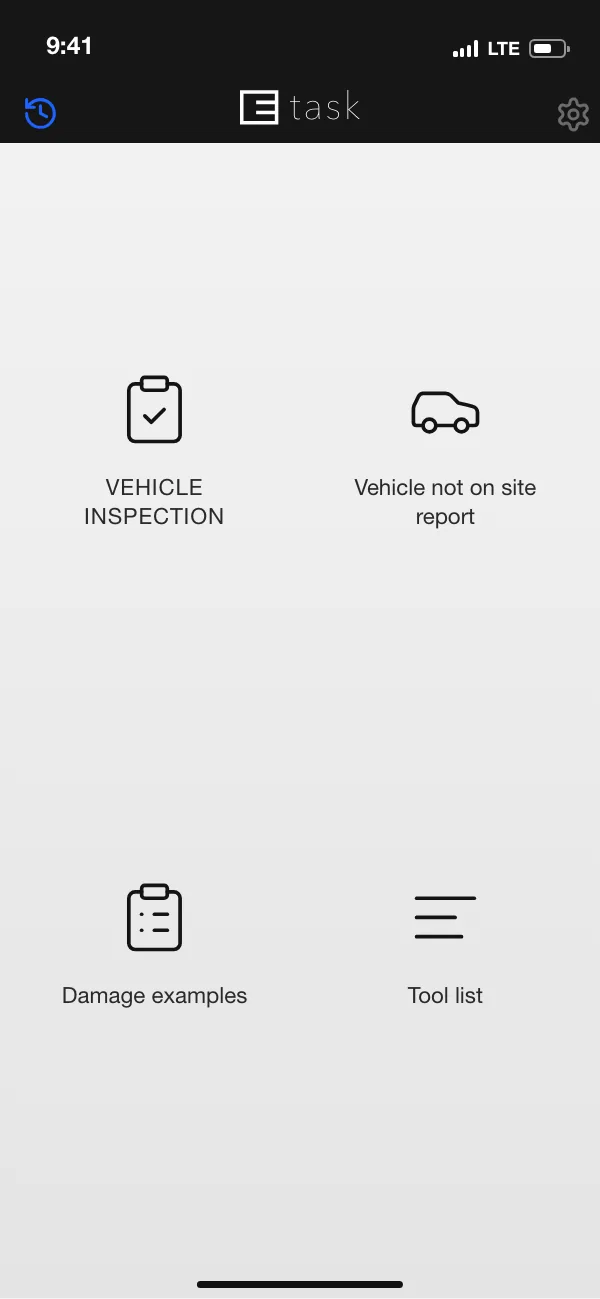
You choose the report type on the start screen, for example a vehicle inspection or a ‘vehicle not on site’ report.
The report is filled in one section at a time, in order. Tap NEXT to move on.
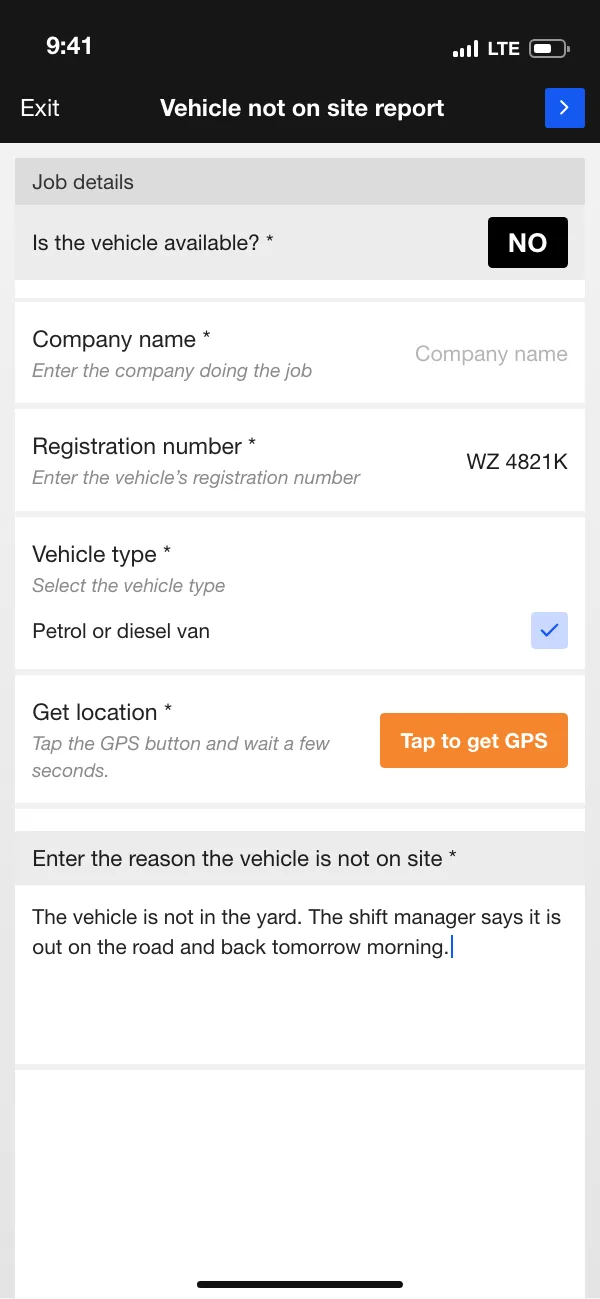
The data on the screens is sample data. The app works in English and Polish, and we can provide any other language you need.
The mobile app works alongside an ETASK-branded web portal. Report forms are built there, and that is where completed reports arrive.
We build the report form in the portal to fit your process. Every change to the checklist creates a new version of the form.
Each submitted report arrives in the portal with its photos and videos, showing who filled it in and when.
Once a report is submitted, a PDF is generated from a template set up in advance and sent by email to the agreed addresses. The report can also be emailed to an address entered in the form.
Report data, including the photos and videos, can be retrieved through an API.
The vehicle inspection report has 150 checklist items. The inspector works through them in the app, section by section, and records the vehicle’s condition with photos.
Tell us what you need and we will reply within 24 hours.
ETASK Company sp. z o.o.
ul. Henryka Sienkiewicza 36/5, 26-600 Radom, Poland
Tax ID (NIP): 9482644343
 ETASKinstallation and field service · etask.com.pl